How it works
What happens after each lesson
The two hours in the room are the easy part to picture. Here is what happens with the rest of it, most weeks, for most students: the marking, the worksheets, the notes, and the way a question gets answered between lessons.
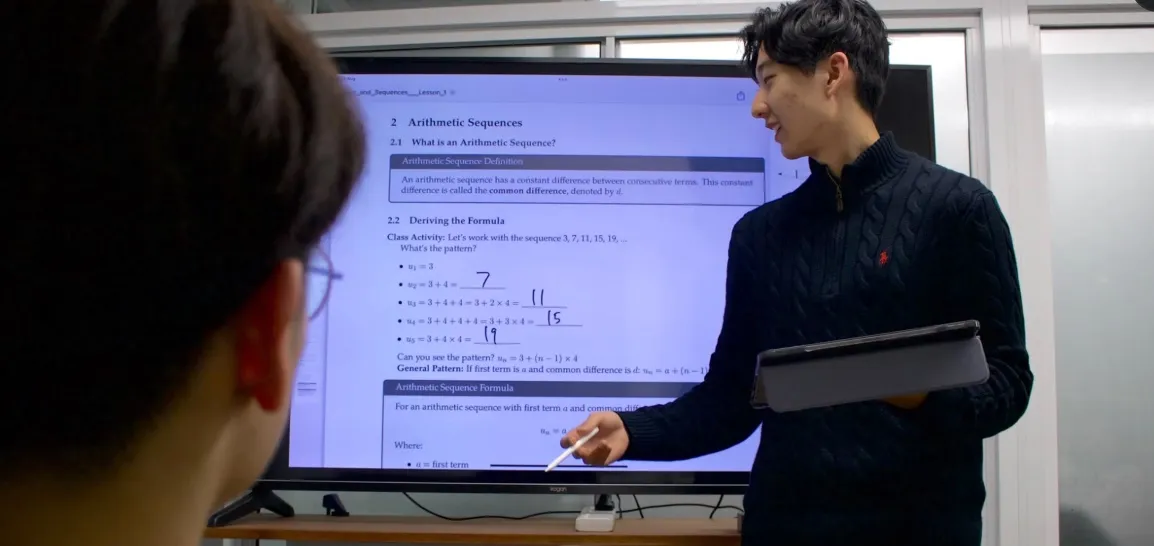
Cambridge Street, Epping
Every homework question comes back with a written comment, not a tick: a note on that exact question, from the tutor who set it.
How a marked question comes back.
Try it
How a worksheet gets built
The next worksheet is built from what this student got wrong, not a standard sheet the rest of the class gets too. Tick a question below as wrong or right and watch the worksheet change.
This week's homework
Tick or untick a question, marked wrong or correct.
Sorted by topic
Real worksheets are set by a tutor, not generated automatically from this page.
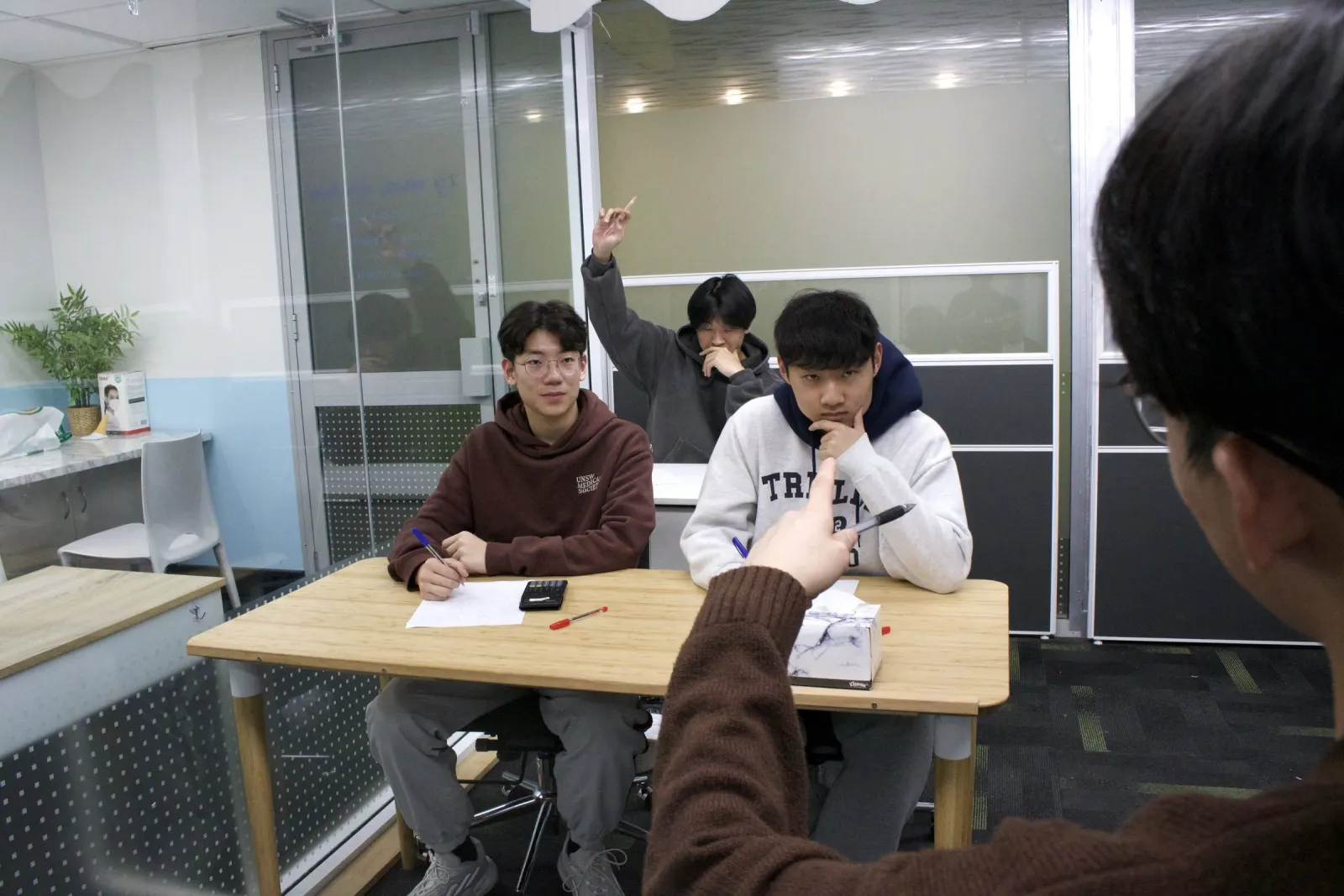
Ten weeks is enough time for this to add up to something a parent can actually see.
Cambridge Street, Epping
Try the portal
What a parent actually sees
A preview of the real BEAM student portal, running on sample data. Switch between the three tabs below.
Every question comes back marked with a comment, not a tick, from the tutor who set it.
A topic breakdown like the one a family sees after the free diagnostic session, and again as the term goes on.
The next worksheet, built from the topics a student missed that week.
Sample student, sample results, shown in the real portal layout.
Over the term
A term at a glance
Topic notes come home every week of the ten-week term, and the topic breakdown builds up alongside them, so a parent can see what's improved rather than ask for it.
A term's pace of notes home varies by topic.
Between lessons, enrolled students can ask a question in a support channel and get an answer during tutor support windows.
How a question gets answered in the support channel.
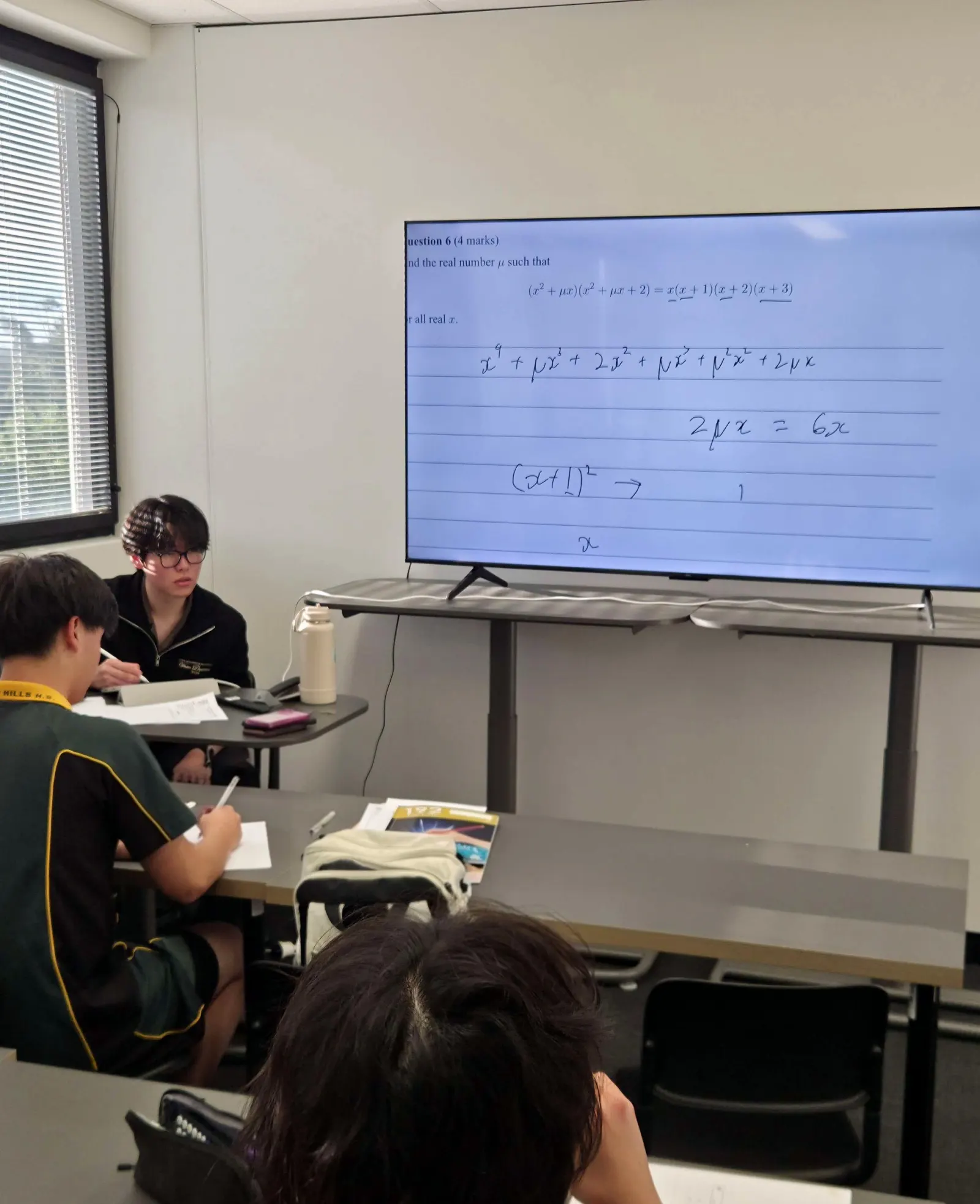
The room empties. The marking doesn't stop.
Cambridge Street, Epping
You shouldn't have to ask how it went. This is how you'd know.